This is the featured heading for your block
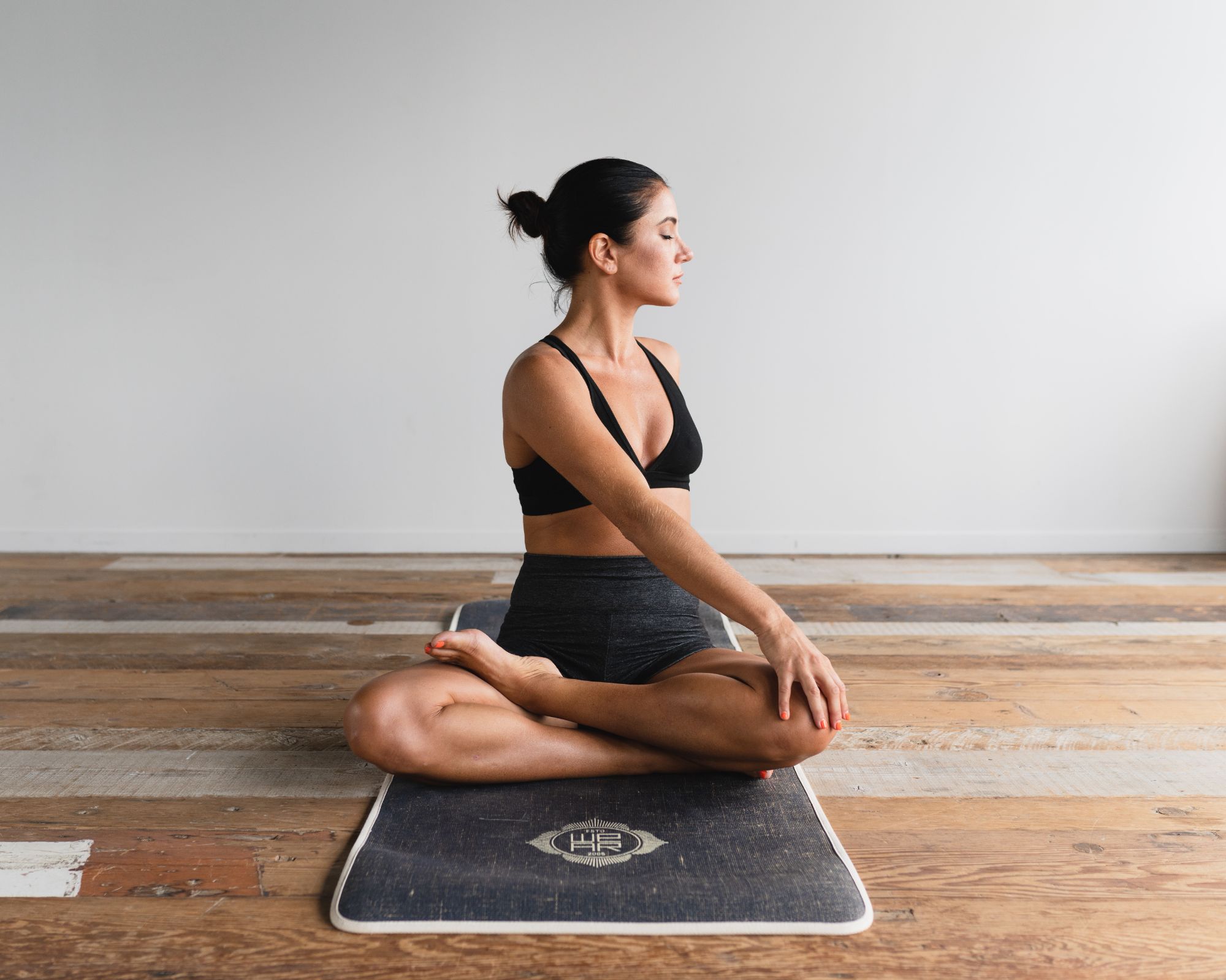
Heading Text
Elements like this introductory text can often be hidden in the block settings
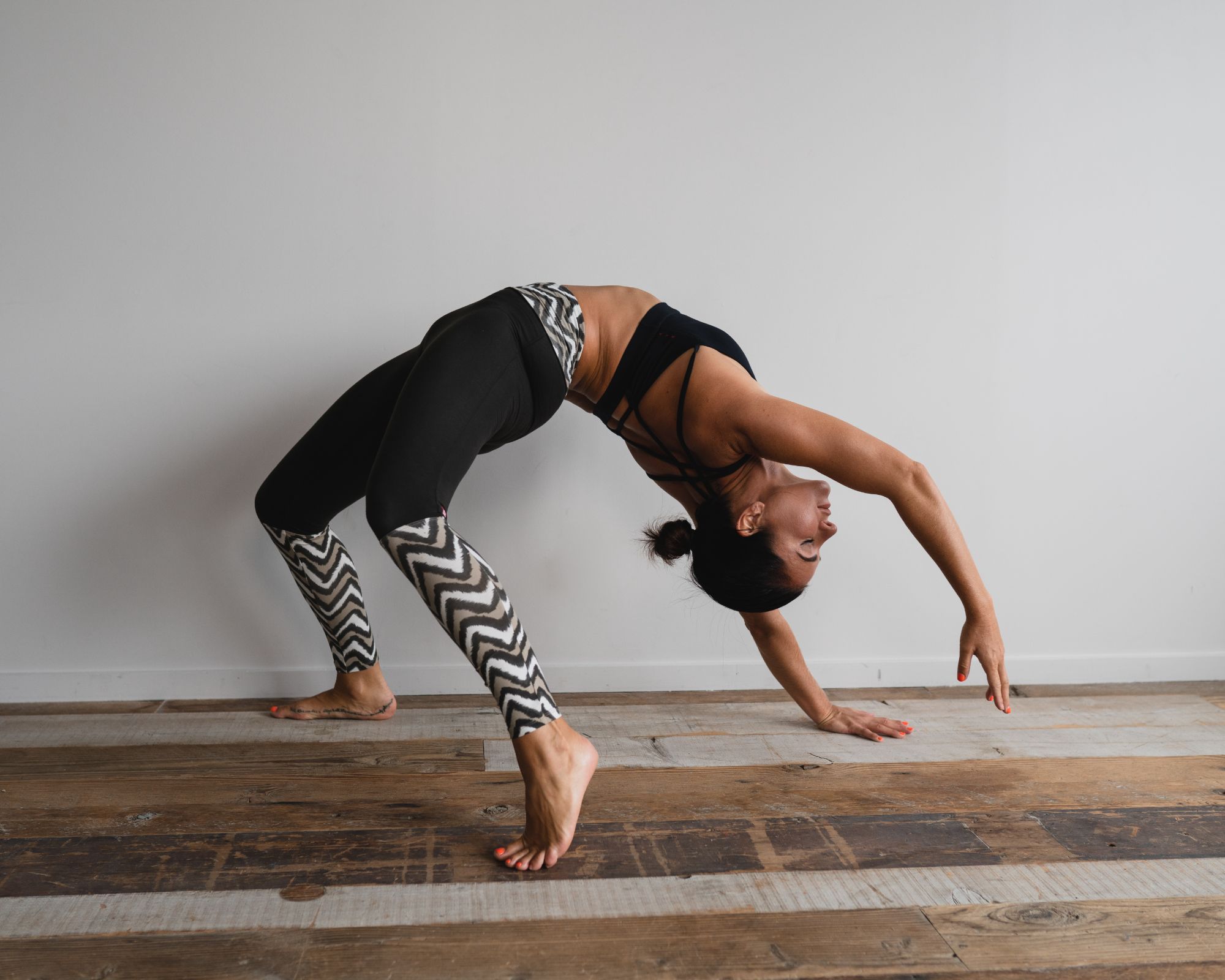
Item Title
This block is an item collection and allows multiple similar items to be added and removed. You can drag these items to reorder them.
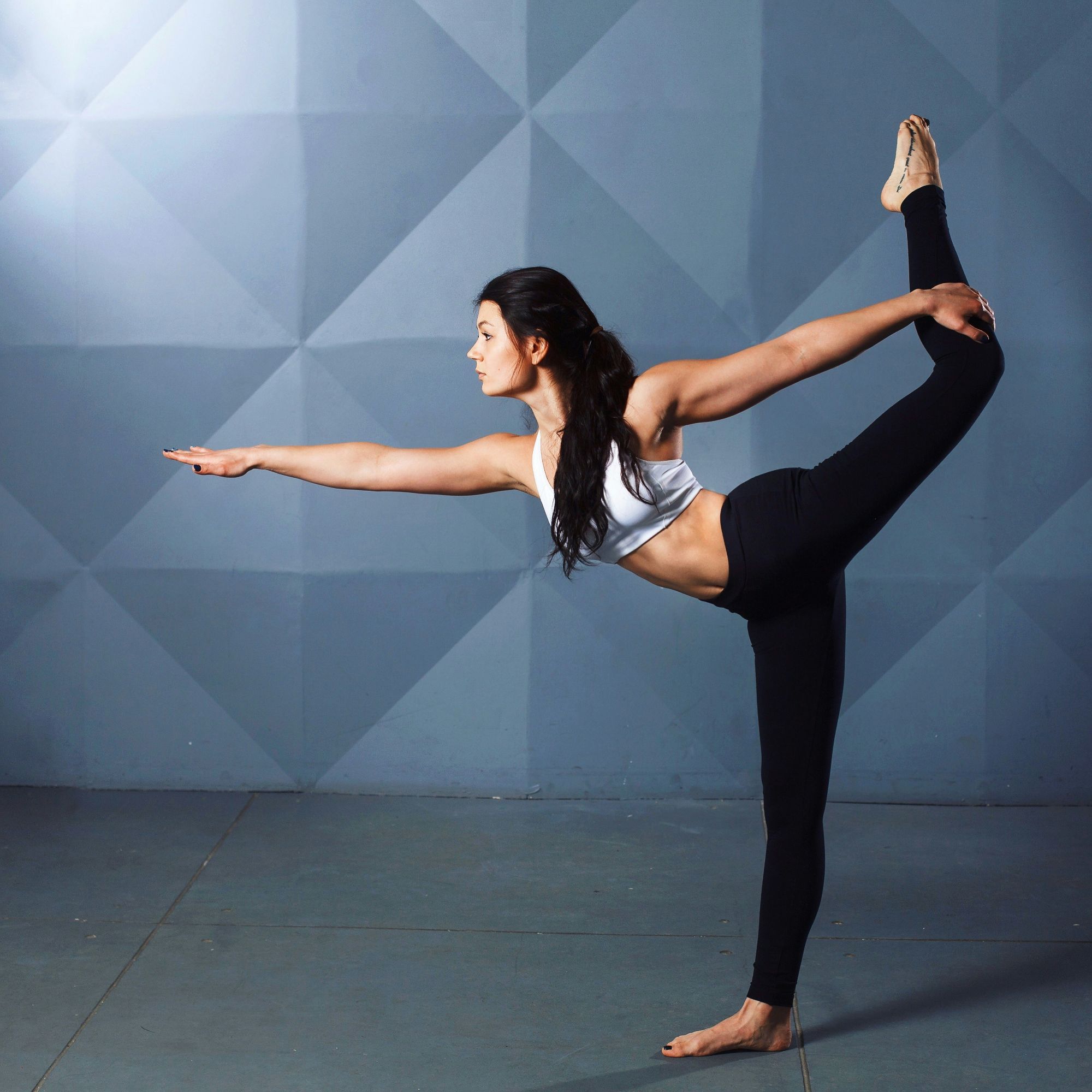
Item Title
To add more items to this collection, click the + button that appears to the right of the final item when hovering your mouse over this block.
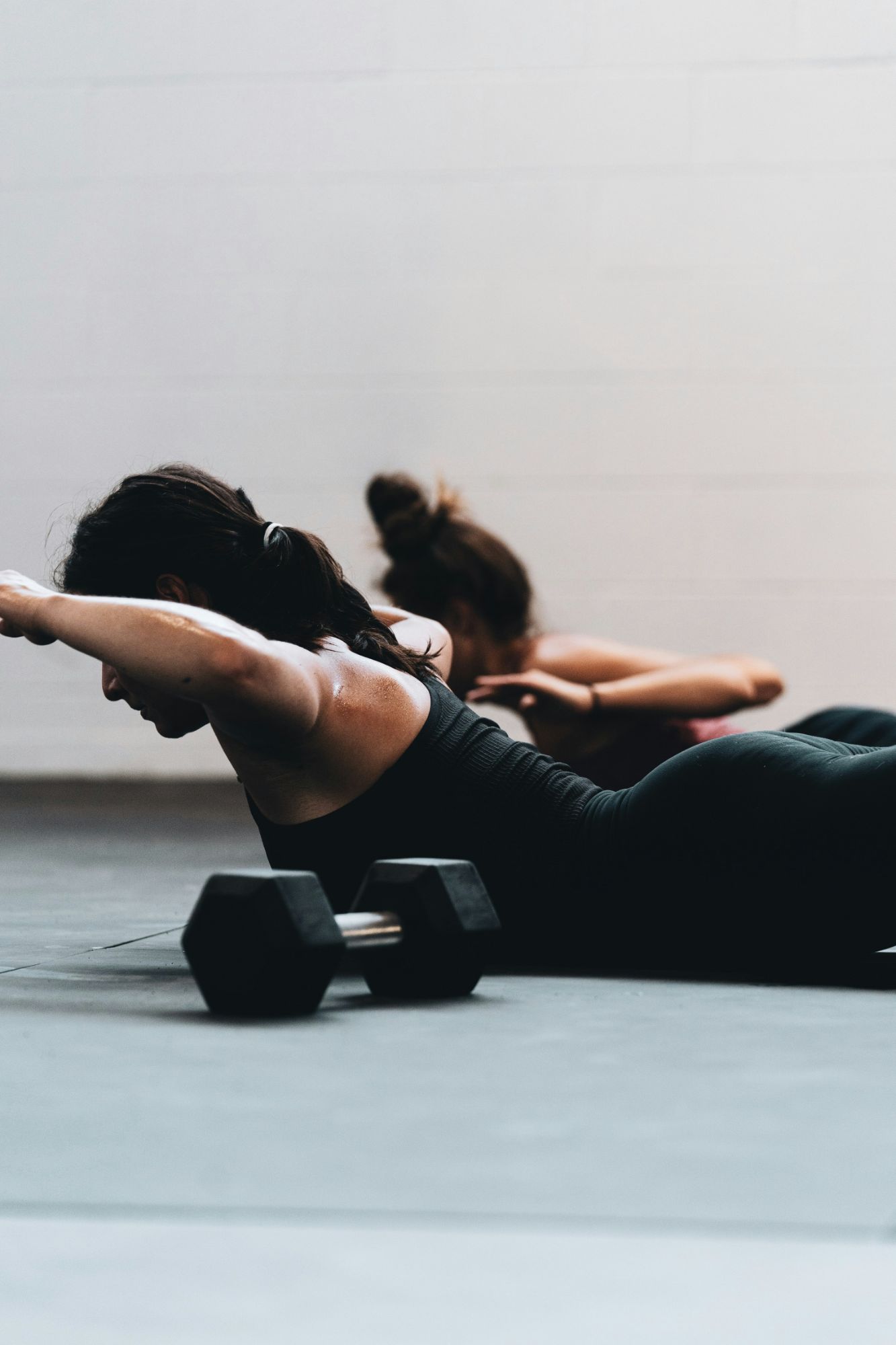
Item Title
You can change the number of items shown on each row by clicking on the Change Layout icon. This can be found on the right hand toolbar.
Our Classes & Prices
Elements like this introductory text can often be hidden in the block settings
Class | Type | Hours | Trainer | Spots | Price |
|---|---|---|---|---|---|
Mind & Body | Stretch | 9:00 AM - 11:00 AM | Aaron Chapman | 10 | £10.00 |
Advanced | Yoga | 8:30 AM - 10:00 AM | Adam Stewart | 15 | £7.50 |
Yogafit | Strengthening Yoga | 11:00 AM - 1:00 PM | Donna Wilson | 5 | £19.99 |
Buti | Relaxing Yoga | 4:00 PM - 6:00 PM | Aaron Chapman | 15 | £10.00 |
Beginners | Pilates | 8:30 AM - 10:00 AM | Adam Stewart | 20 | £7.50 |
Frequently Asked Questions
Can I cancel my order?
Click on this text to start editing, and enter your own text with some basic formatting. To create a link to another page or website within this section, select the text you want to make into a link and click on the Link icon on the formatting toolbar. Click anywhere outside the text box when you're done to continue working on the rest of your page.
How do I change my password?
To change the appearance of a block, such as the way in which it is laid out and the width of its columns, click on the Change Layout button on the block toolbar, to the right of each block. You can show and hide many of the elements that make up a block by clicking Block Settings on the right hand toolbar and going to the Elements tab. In Block Settings you can also change other aspects of how a block looks, including margins, colours, animations and background images.
Where can I edit my address?
You can change the order that blocks appear on your page using the up and down arrow buttons on the right hand toolbar, or you can drag the entire block using your mouse.
How do I track my order?
Click on this text to start editing, and enter your own text with some basic formatting. To create a link to another page or website within this section, select the text you want to make into a link and click on the Link icon on the formatting toolbar. Click anywhere outside the text box when you're done to continue working on the rest of your page.
How do I return an item?
To change the appearance of a block, such as the way in which it is laid out and the width of its columns, click on the Change Layout button on the block toolbar, to the right of each block. You can show and hide many of the elements that make up a block by clicking Block Settings on the right hand toolbar and going to the Elements tab. In Block Settings you can also change other aspects of how a block looks, including margins, colours, animations and background images.